Below is a step-by-step guide that will show you how to properly configure a Strategy in Price Optimizer.
- Click the “burger” icon in the main menu and choose Configuration:
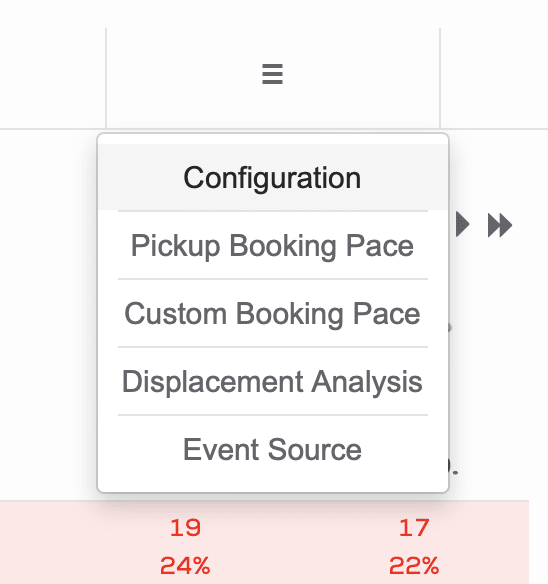
- In gray configuration submenu, pick Setup and then Strategy:

- You’ll see a table that contains already configured strategies. Click Add new record and fill required details like name, level and extra level count. If you want to keep your strategies in a particular order, also specify the sort order value.
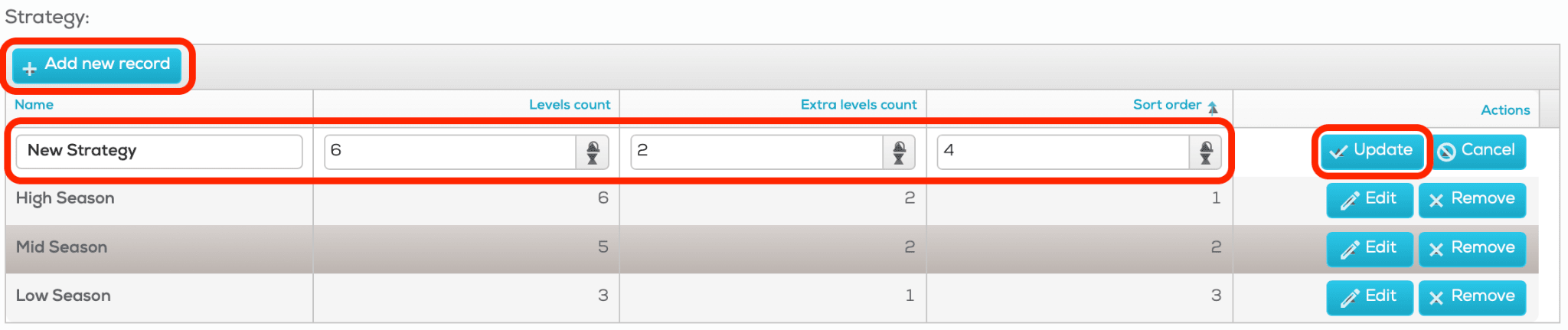
Level count - how many price levels a strategy will have
Extra level count - how many “hidden” levels a strategy will have - Click Updateto save your actions.
Now, a new strategy will be available in the price list. You’ll find exact amount of basic and hidden levels for each room category: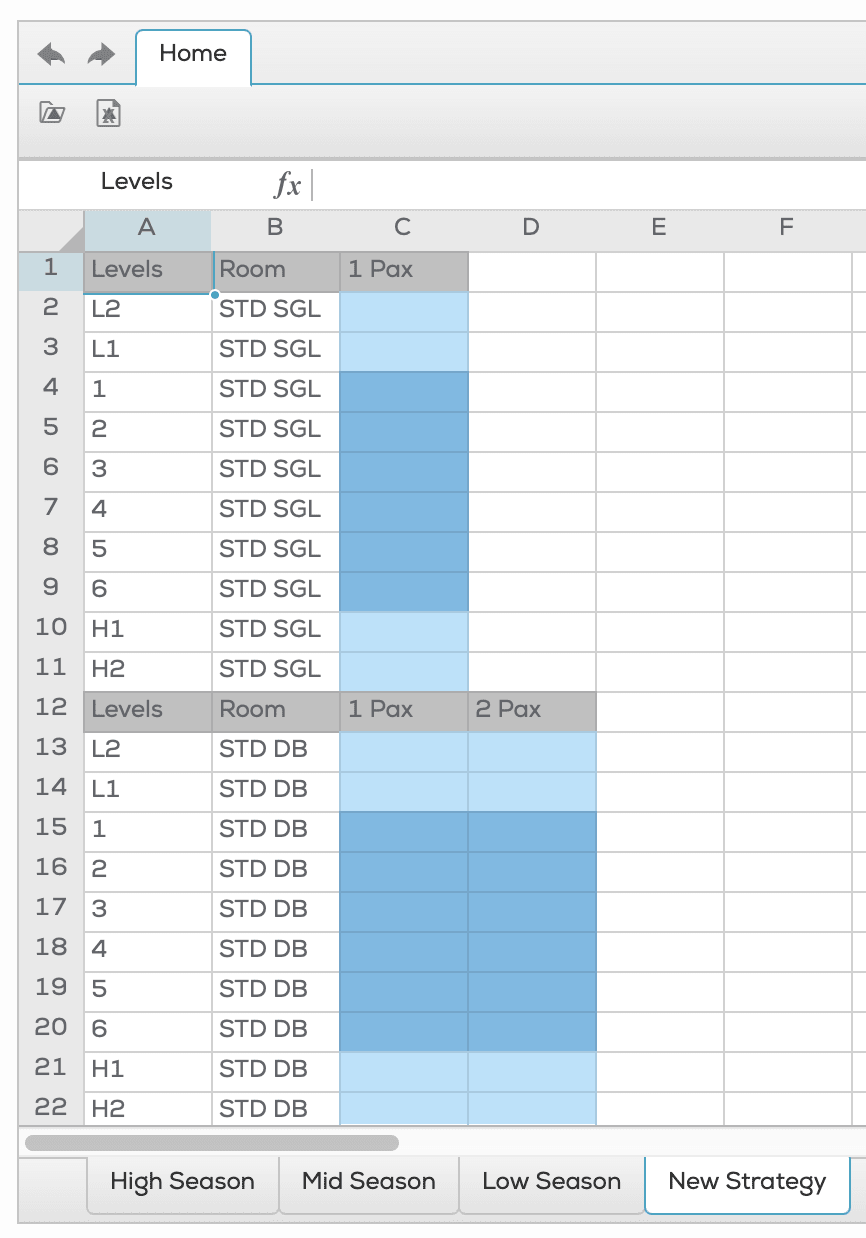
See our manuals on implementing prices and applying strategies, to learn how to apply price level values for specific days of the calendar.