To change the availability in Price Control please follow the steps below:
- Login to Price Optimizer
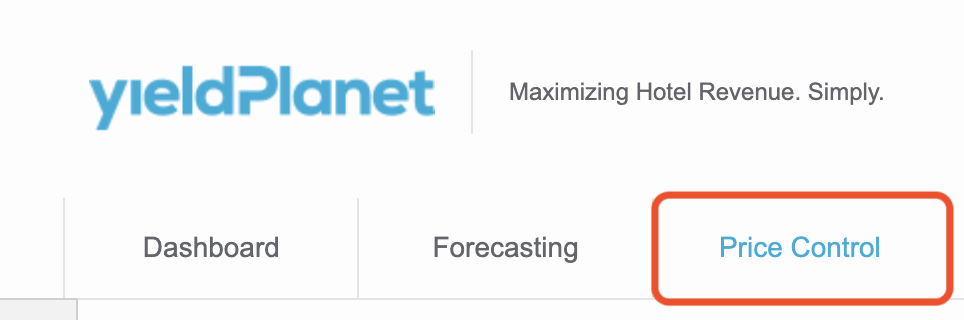
- Navigate to Price Control:
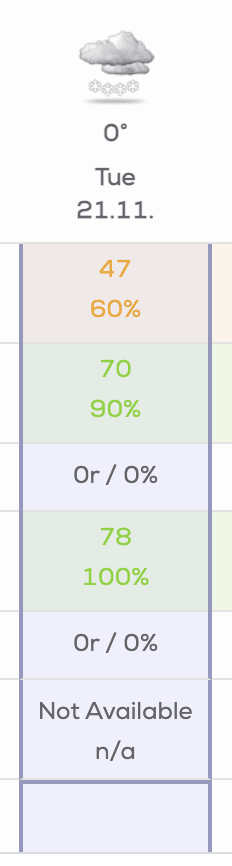
- Click on the column that reflects the day you would like to change the availability for:
- From the left menu choose room you would like to change availability for and press the value of overbooking from the right menu:

- To add or deduct specified value of availability for selected day click on the 0 in Overbooking column:

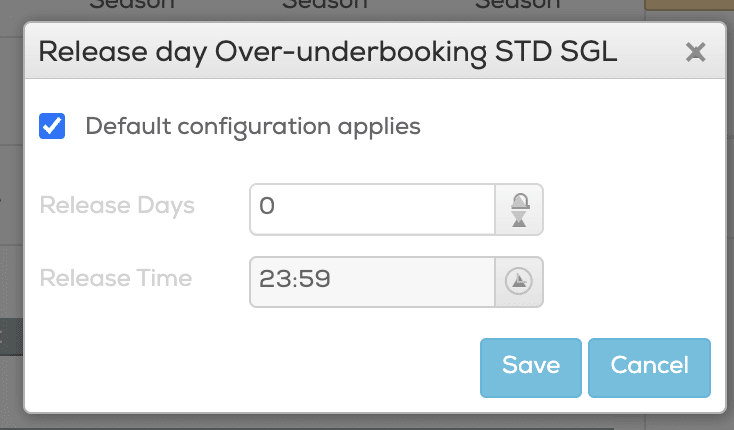
- To modify availability using the release days you need to click on the “i” mark next to 0 value:

- You can set the release day here:
- Introduce changes in the overbooking column:
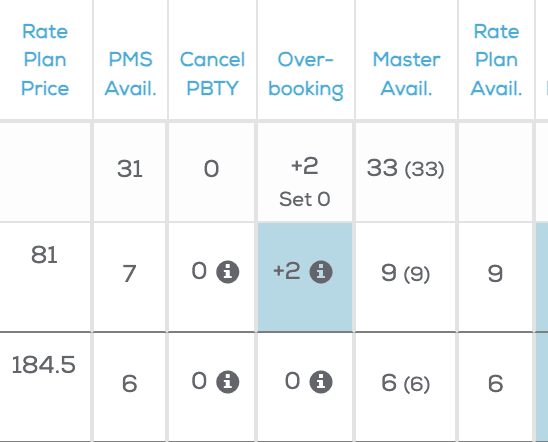
After modifying the value please notice the PMS availability, and modified master and rate plan availability.