Below is a step-by-step guiding you how to create a new rate plan in Price Optimizer.
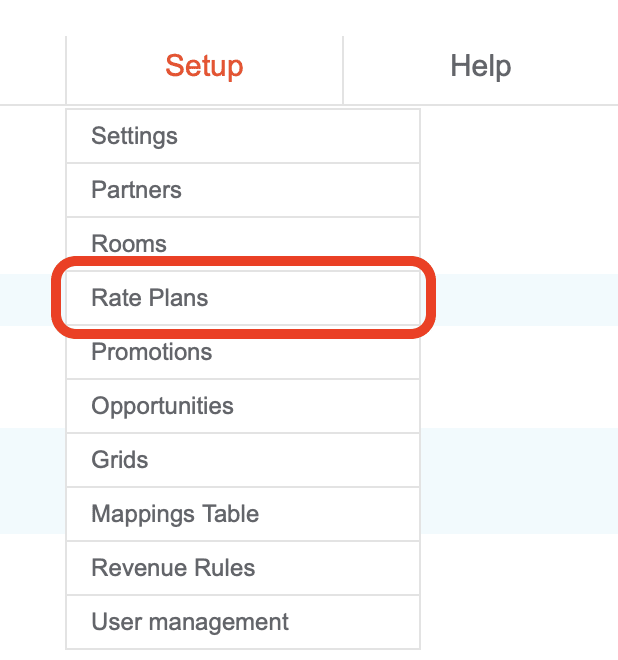
- Start with logging in to Channel Manager and go to Setup > Rate Plans.
- Click “Add New Rate Plan” in the bottom of the page.

- Fill in the details in rate plan form and Save it.

Pay special attention to Length of Stay and Release Days, marked in red on the screenshot above. - Login to Price Optimizer tool and go to Configuration, and then to Prices > Rate Plans.
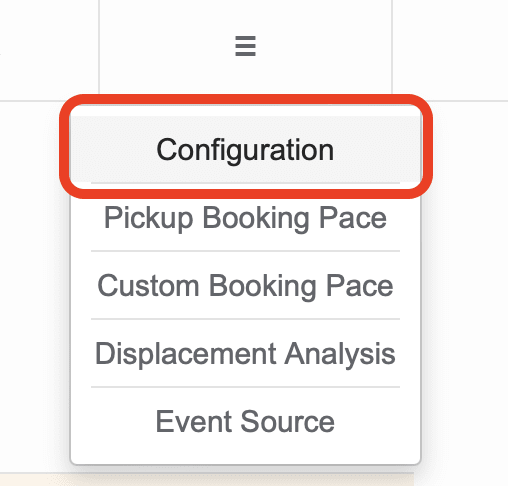
And then, from the configuration menu, pick Prices > Rate Plans.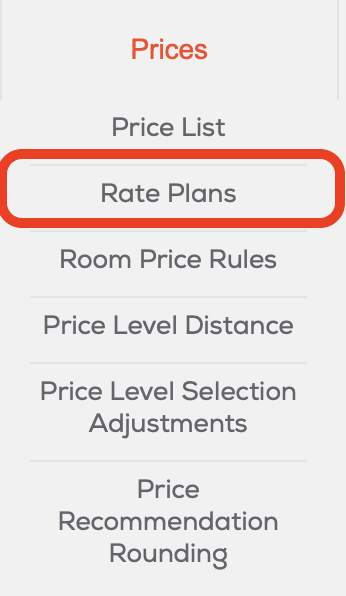
Created rate plans should be synchronized automatically and visible on the list.
Important:
Remember that new rate plans should also be mapped in Channel Manager. Please refer to the proper manual on mapping.